Video to Text Converter
Convert video to text in minutes. Upload an MP4, MOV, or other common video file and get a transcript with timestamps and speaker labels you can read, copy, and export — then turn the same recording into a summary, notes, or captions.
Upload or drag a video or audio here.
Max size: 2GB
Common types supported
Accurate video to text, even when the audio isn't clean
MoScribe's AI handles clear studio recordings and messy real-world audio the same way: fast speakers, strong accents, background noise, and people talking over each other. Choose the spoken language or let auto-detect identify it, and get a transcript that reads like the conversation actually sounded. You spend your time using the words, not typing them out.
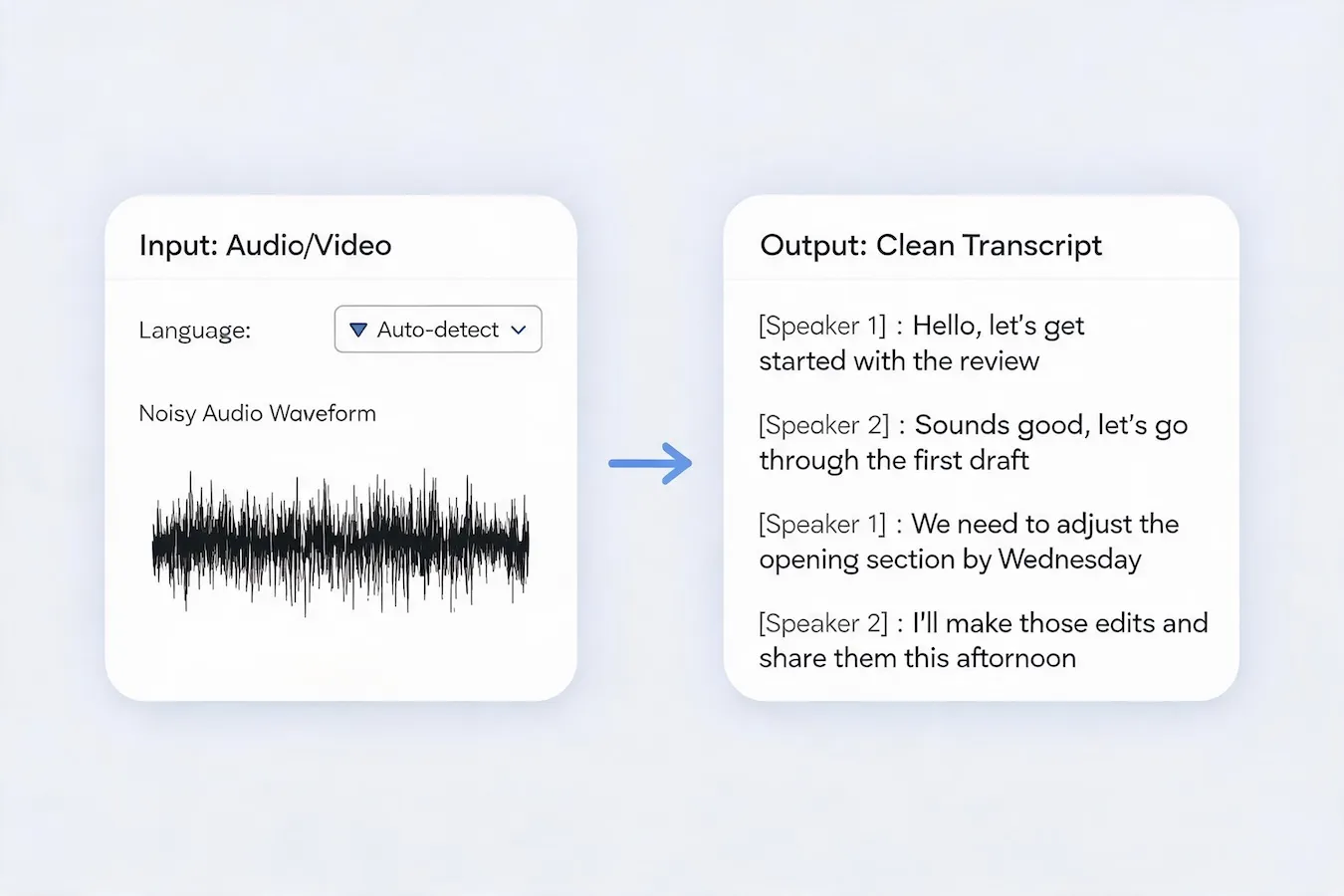
Timestamps and speaker labels in every transcript
Each line is tied to the moment it was spoken and labeled with the person who said it. Click a sentence to jump straight to that point in the video, or scan the transcript to see who spoke and when without replaying the whole recording. For meetings, interviews, and panels, speaker labels turn a wall of text into a conversation you can follow, quote, and hand off.
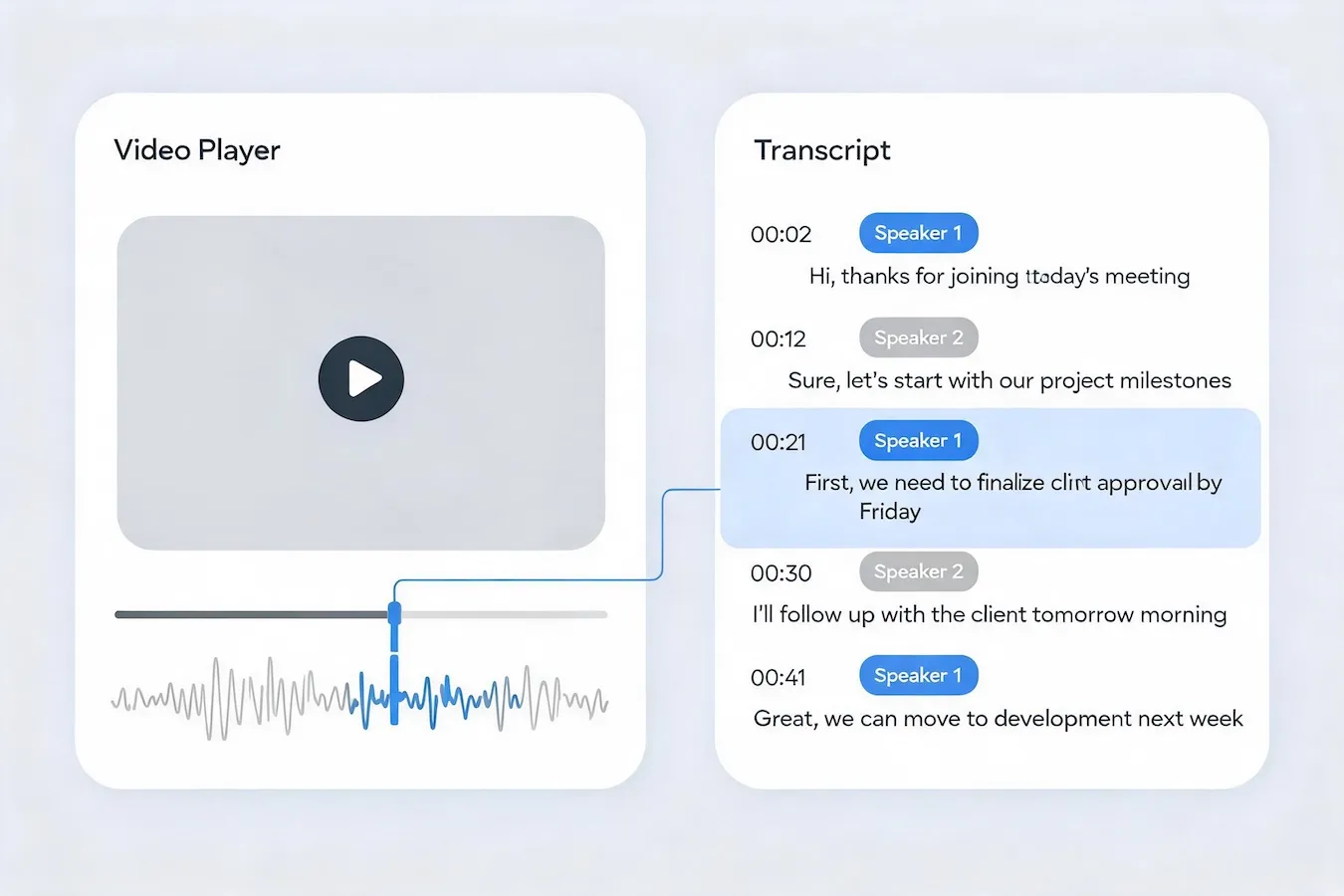
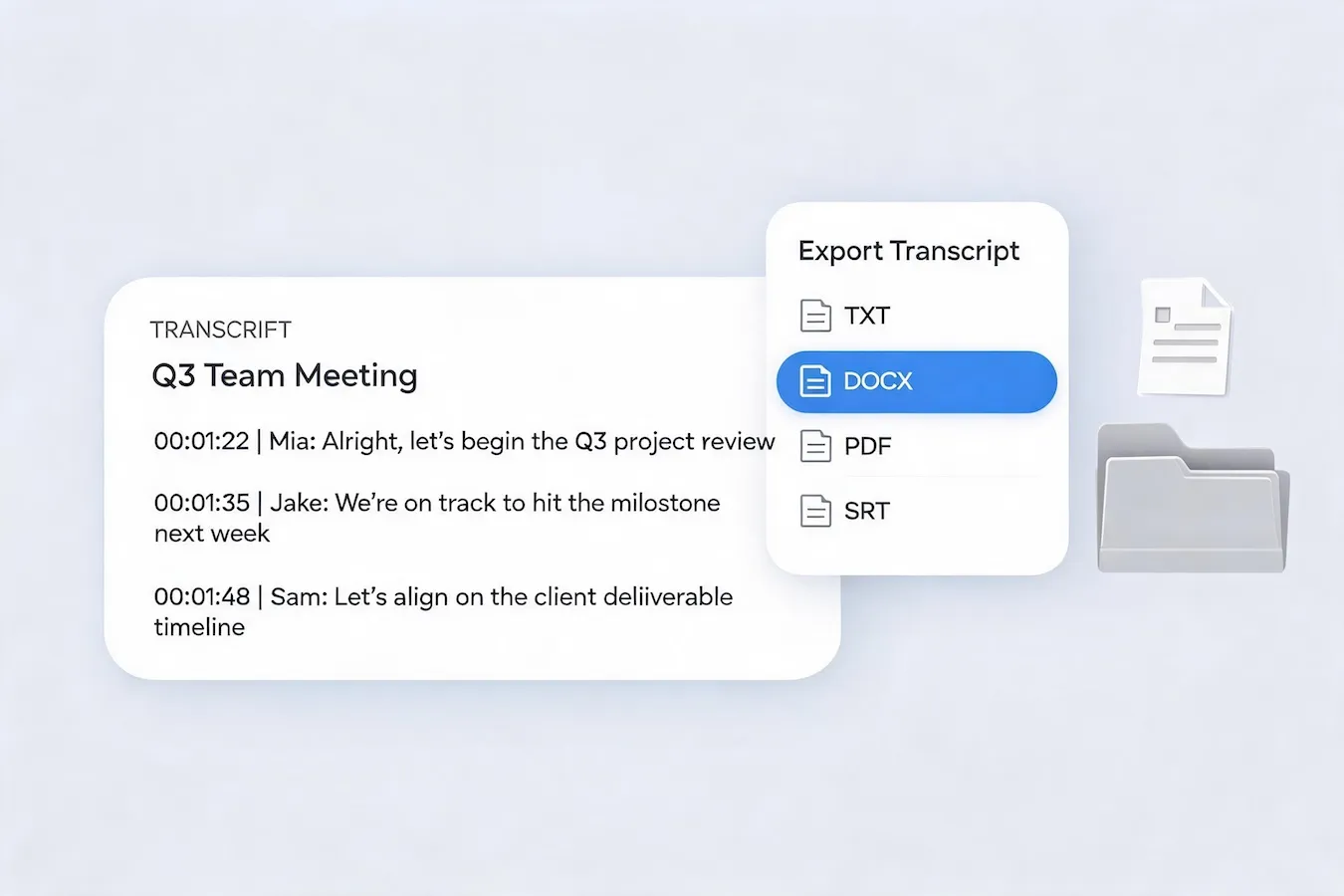
Review the transcript, then export it anywhere
Read the transcript, copy any line you need, and download the finished text as TXT, DOCX, or PDF for reports, notes, and documentation, or as an SRT subtitle file to caption the same video on YouTube, social media, or your course platform. The transcript moves into the tools you already use instead of staying locked inside a converter.
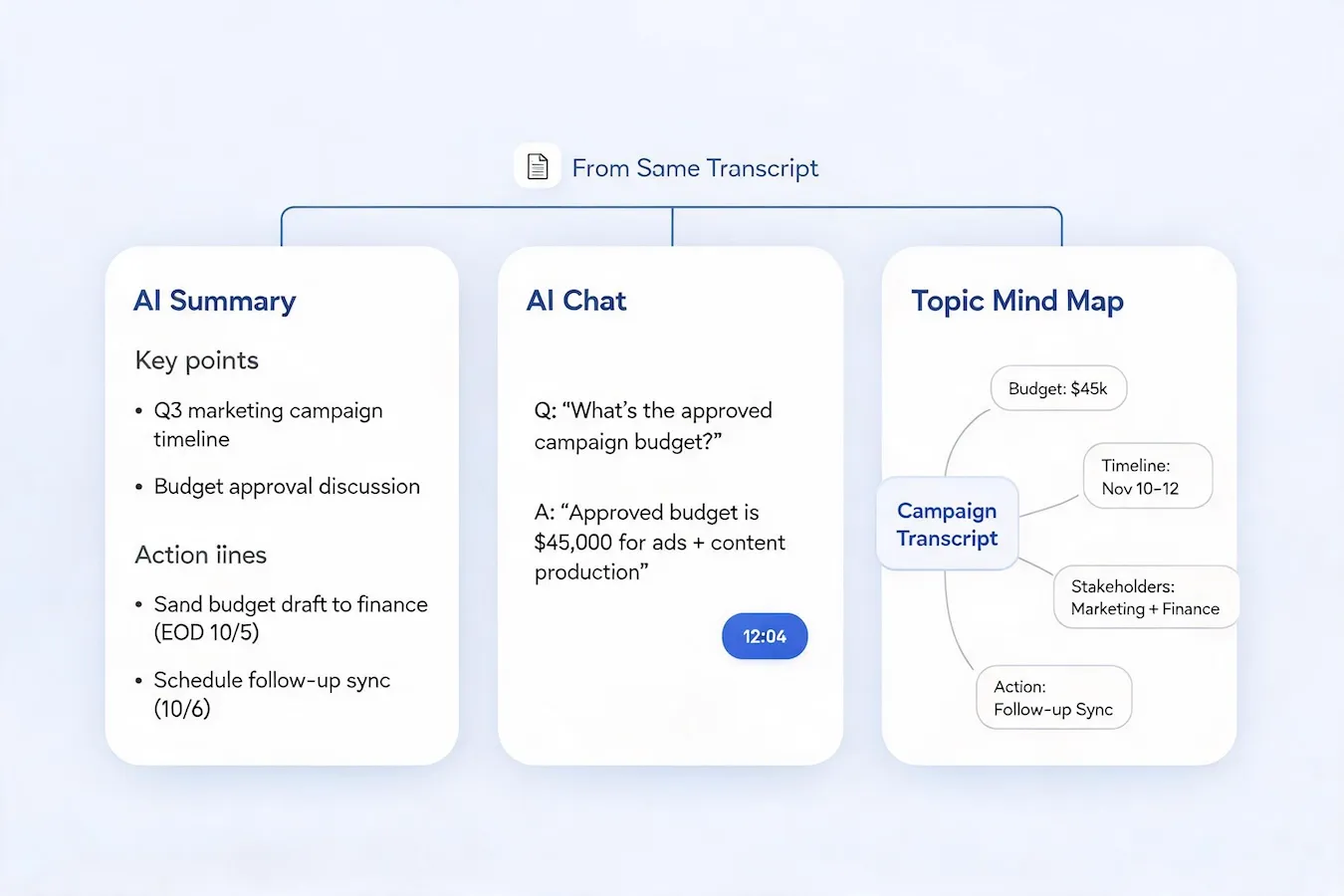
More than text: summaries, notes, and answers from your video
A transcript is the starting point, not the deliverable. Generate AI notes that pull out key points and action items, ask questions about the recording and get answers with timestamped links back to the source, or open a mind map to see how the discussion connects. Instead of reading an hour of text, you get the decisions, quotes, and next steps in the form you need them.
How to transcribe video to text online
Use the online video to text converter in three simple steps to turn the video you already have into a transcript that is easy to search, share, and use.
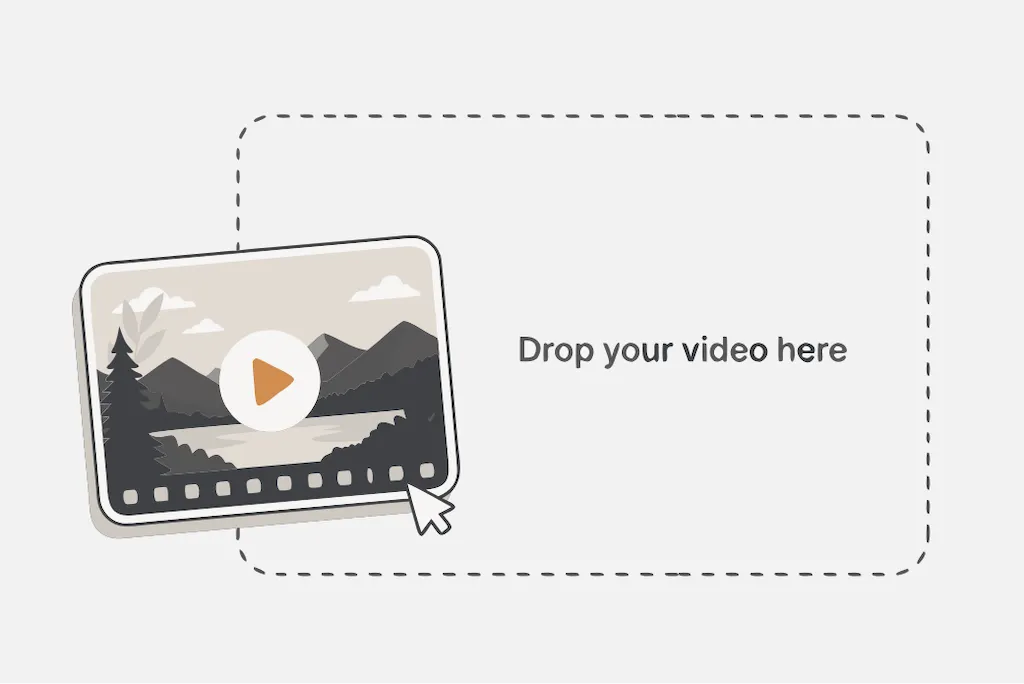
1. Upload your video
Add an MP4, MOV, MKV, AVI, WebM, or WMV file straight from your computer. No file conversion or plugin is needed.
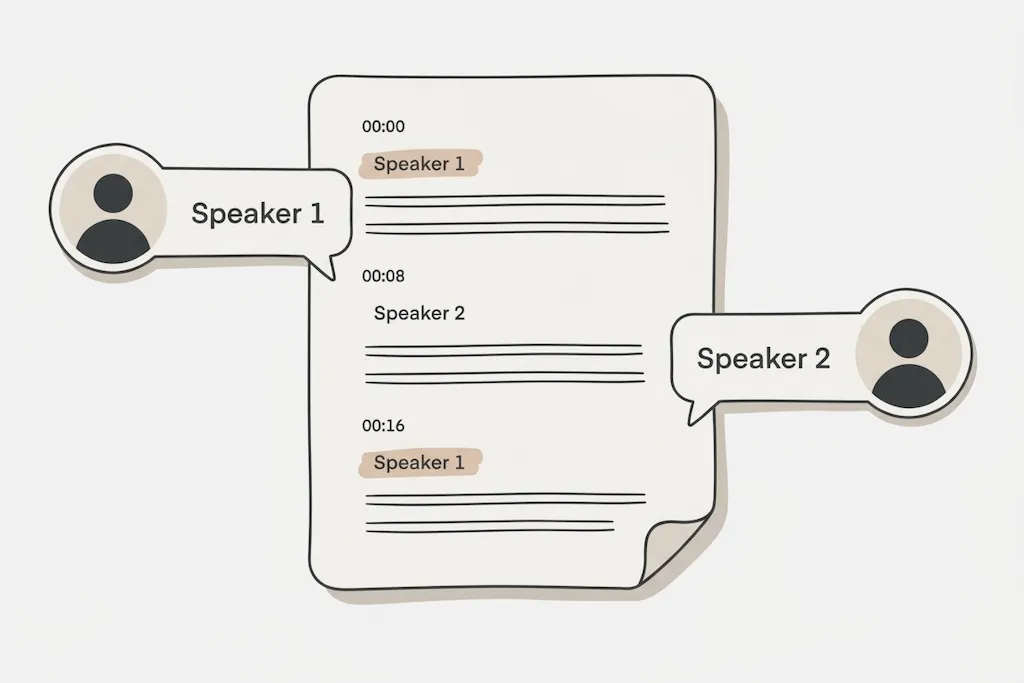
2. Let AI transcribe your video
Choose the spoken language or use auto-detect, then start transcription. The AI writes every word into text, adds timestamps, and labels each speaker.
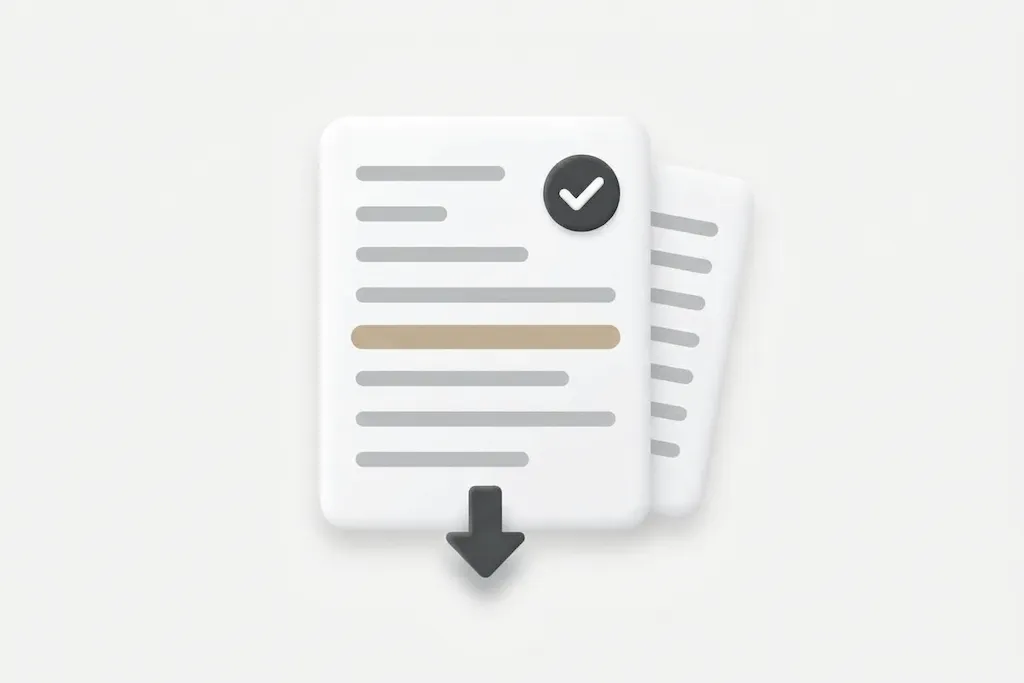
3. Review, copy, and download transcript
Copy the lines you need, then download the transcript as TXT, DOCX, PDF, or SRT. You can also generate a summary or ask AI questions from the same page.
Why use MoScribe to transcribe video to text?
Most converters stop at a block of text. MoScribe keeps the recording, the transcript, and the work you do with it in one place.
Transcription you don't have to rewrite
Accuracy is the whole point of a video to text converter. MoScribe is built for real recordings — fast speech, accents, background noise, and multiple voices — so the transcript arrives close to publishable and you spend minutes reviewing instead of retyping.
A transcript that shows who said what, and when
Every line carries a timestamp and a speaker label, so a two-hour recording becomes something you can scan. Jump to the exact moment a decision was made, pull a quote without scrubbing the timeline, and hand the transcript to a colleague who can follow the conversation without watching it.
Output that fits your next step
Copy a single line, download the full transcript as TXT, DOCX, or PDF, or export an SRT file to caption the video. The same transcript can become meeting notes, a blog draft, a research appendix, or subtitles — without running it through another tool.
Private by default, free to try
Your videos and transcripts stay in your account and are not used to train AI models. Start free and convert your first video in minutes — nothing to install, no long setup — and upgrade only when your volume grows.
What people use a video to text converter for
Anywhere spoken video needs to become a record people can read, search, and reuse, a transcript saves the hours you would spend typing it out.
Meetings and calls
Turn a recorded meeting, standup, or client call into searchable notes with speaker labels. Find the decision, the owner, and the deadline without replaying the call, then share the transcript with your team.
Interviews and research
Transcribe interviews, focus groups, and user research into text you can code, quote, and cite. Timestamps take you back to the exact moment behind a quote, and speaker labels keep long conversations readable.
Lectures, courses, and webinars
Convert a recorded lecture or course video into study notes students can search and skim. Revisit the explanation you missed, pull key points into a summary, and make the material readable.
Online and social video
Upload an MP4 or another video file, then use the transcript for show notes, captions, quotes, and repurposed posts. Export SRT subtitles so the same video reaches viewers watching without sound.
Video to text in 40+ languages
Choose the language spoken in the video, or let auto-detect identify it, and the converter writes the transcript in that language. That makes interviews, lectures, and videos from other regions usable as text — and on paid plans you can translate the transcript into another language to reach a wider audience.
English
Spanish
French
German
Italian
Portuguese
Japanese
Chinese (Simplified)
Korean
Dutch
Turkish
🌎
All languages →FAQs about video to text converter
Upload a video file such as MP4, MOV, MKV, AVI, WebM, or WMV. Choose the spoken language or use auto-detect, start transcription, and review the result. From there you can copy the text, export it, or turn it into a summary, notes, or captions.
Yes. You can convert video to text for free — upload a video, choose the language, and get your transcript without paying anything or installing software. When you need more minutes, export options, or AI translation, you can upgrade to a paid plan.
You can upload common video formats including MP4, MOV, MKV, AVI, WebM, and WMV, up to 2 GB. There is no need to convert the file or install anything first.
Yes. Each line is tied to the moment it was spoken, and speaker recognition labels who said it. Click a sentence to jump to that point in the video, or use the timestamps to find and quote the right moment. Speaker labels can be included when you export the transcript.
You can read through the transcript, copy individual lines, and export the finished text. Paid plans support TXT, DOCX, PDF, and SRT export, so the transcript can become a document, a report, or subtitle captions for the same video.
Accuracy depends on the language, accents, background noise, recording quality, overlapping speech, and how clearly people speak. MoScribe handles difficult audio well, but no automatic transcriber is perfect. For names, numbers, and technical terms, a quick review before you share the transcript is always worth it.
MoScribe supports more than 40 languages, including English, Spanish, French, German, Portuguese, Japanese, Korean, Chinese (Simplified), Arabic, Hindi, and many European and Asian languages. Choose the language before you start, or let auto-detect identify it. AI translation into another language is available on paid plans.
Only you can access the videos and transcripts in your account unless you choose to share or export them. Your content is processed only to provide the transcription and related features you request, and it is not used to train AI models. We maintain administrative, technical, and organizational safeguards to protect your information.
Turn your next video into text you can use
Upload a video and get a transcript with timestamps and speaker labels in minutes. Review it, export it, or turn it into a summary — all from the same page.