Transcribe video to text with AI video transcriber
Use an AI video transcriber to turn uploaded videos and links into editable text with timestamps and speaker labels. Search the video transcript, then create summaries, notes, and captions from the same recording.
Upload or drag a video or audio here.
Max size: 2GB
Common types supported
What you get from our AI video transcriber
Transcribe video to text, then turn the transcript into a summary, answers, and a mind map.
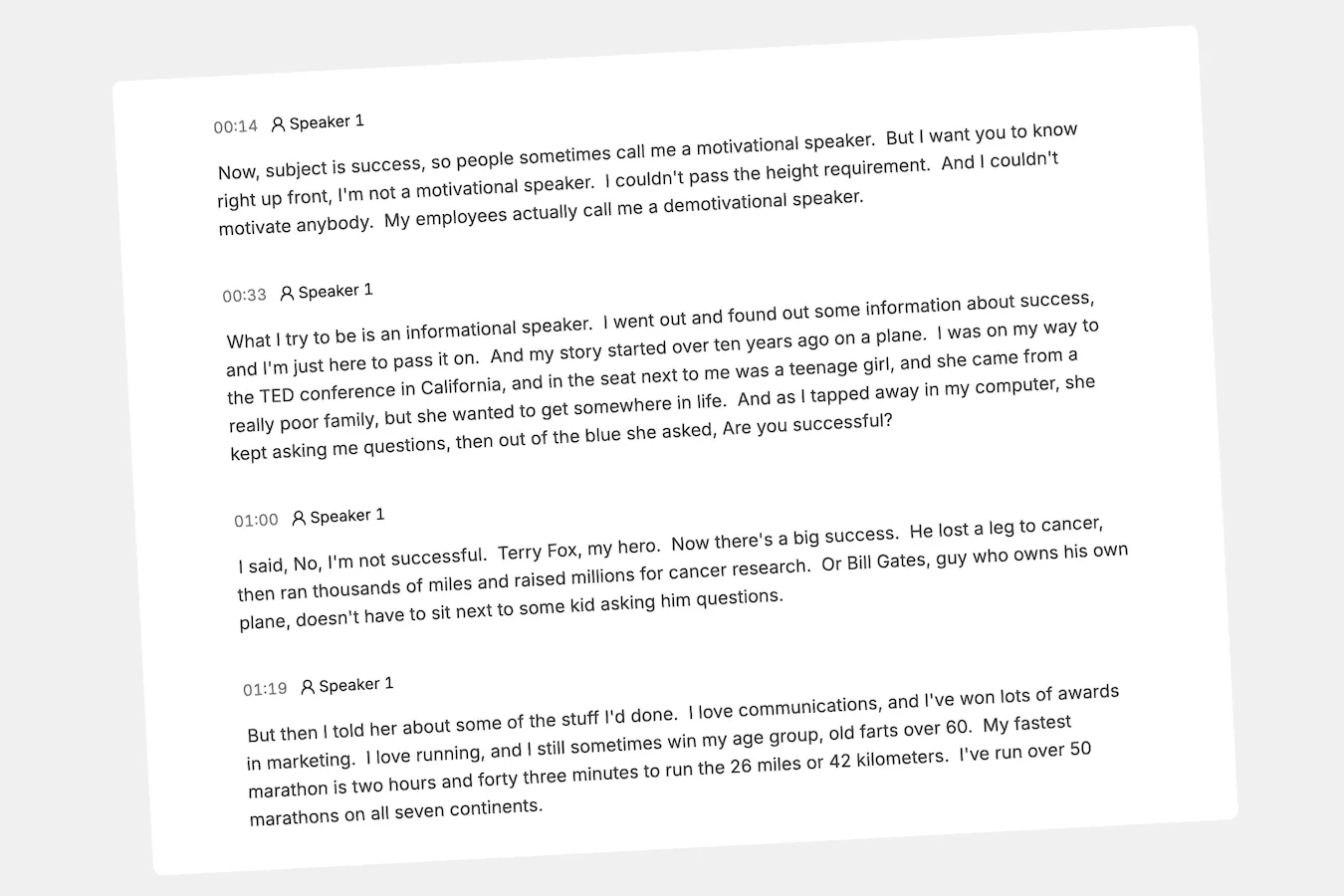
Video transcript with timestamps
Every word from your recording in editable text, with timestamps and speaker labels.
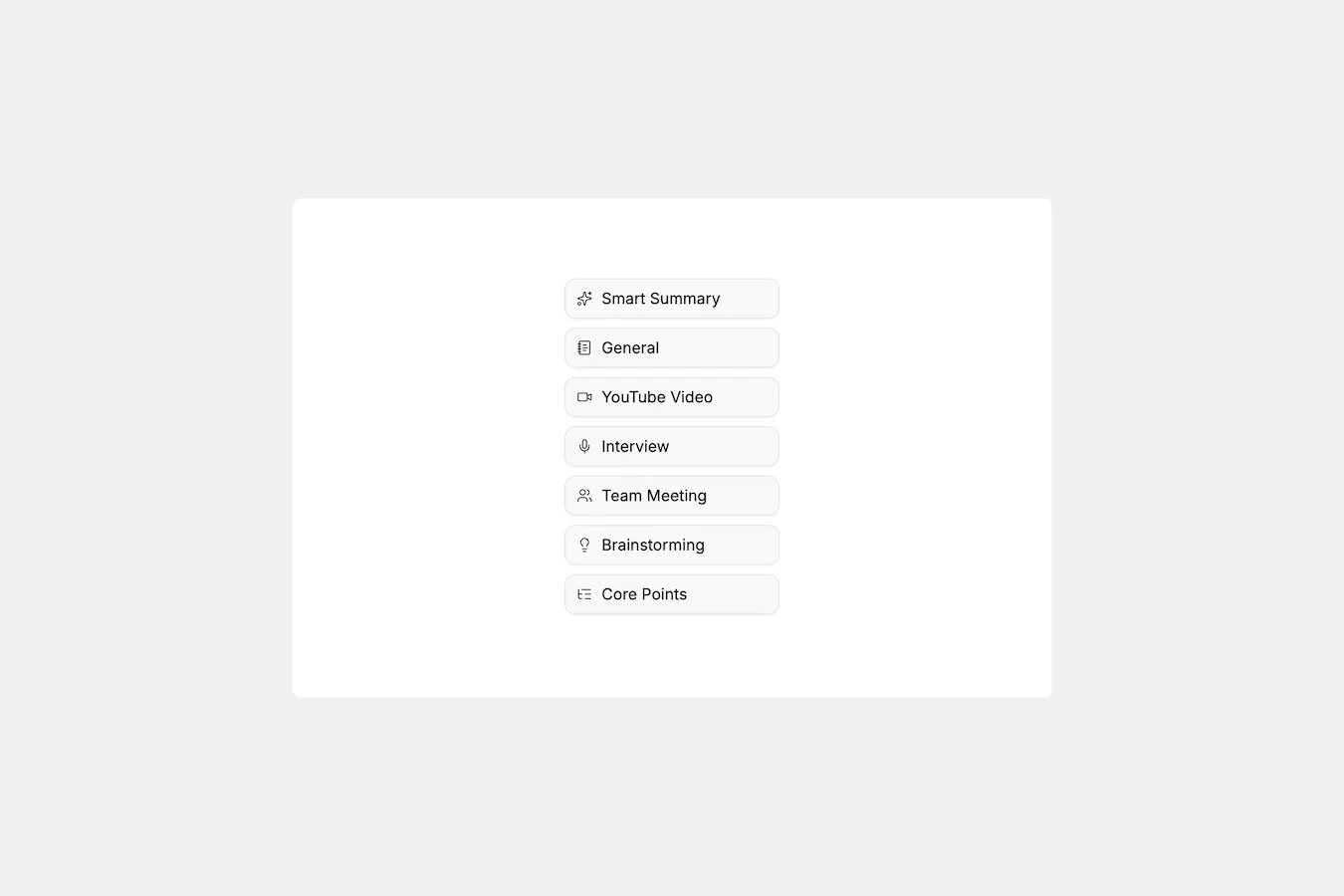
AI summary
Pull out key takeaways, recommendations, and next steps.
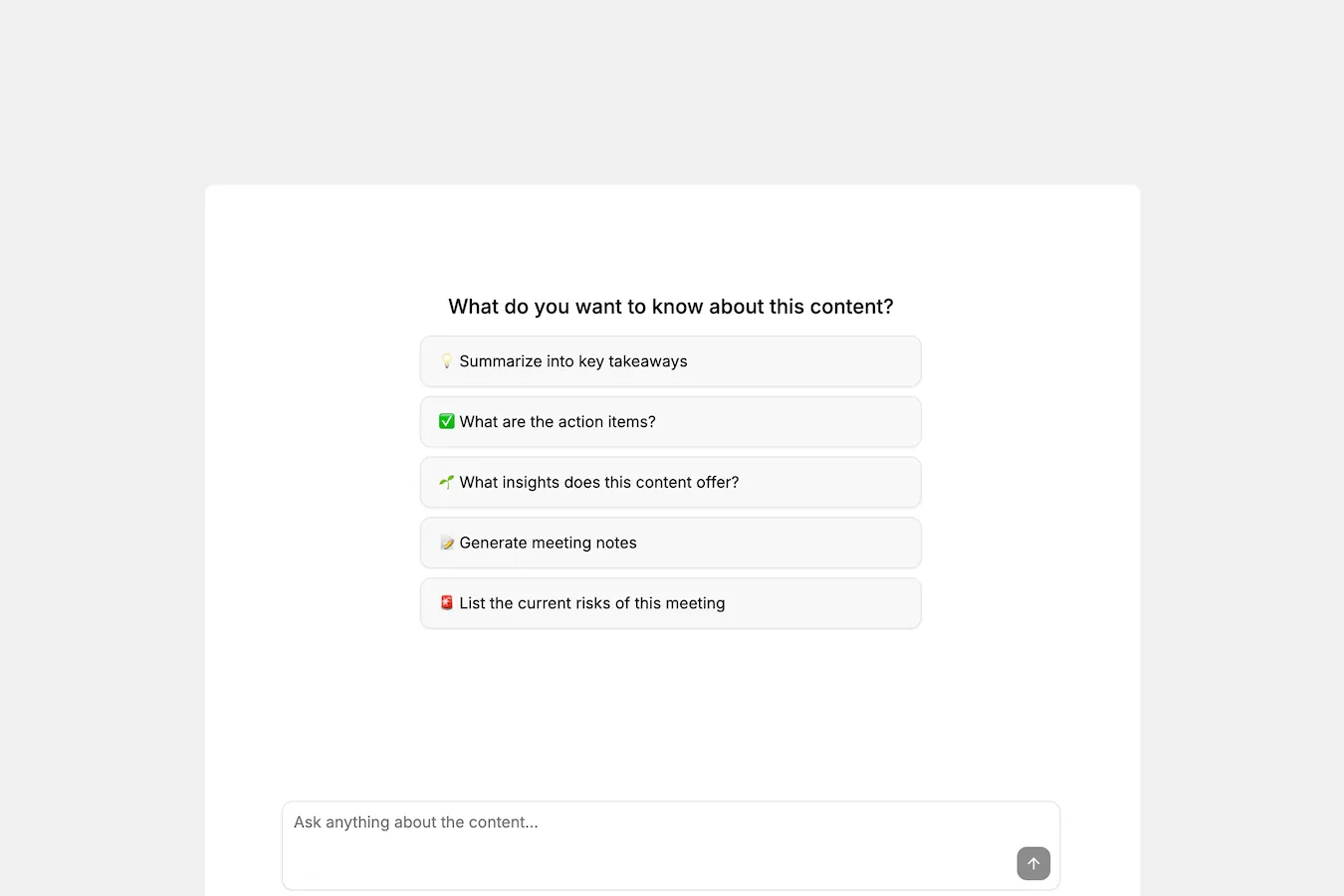
Ask AI
Get answers drawn from the recording, with timestamped links back to the source.
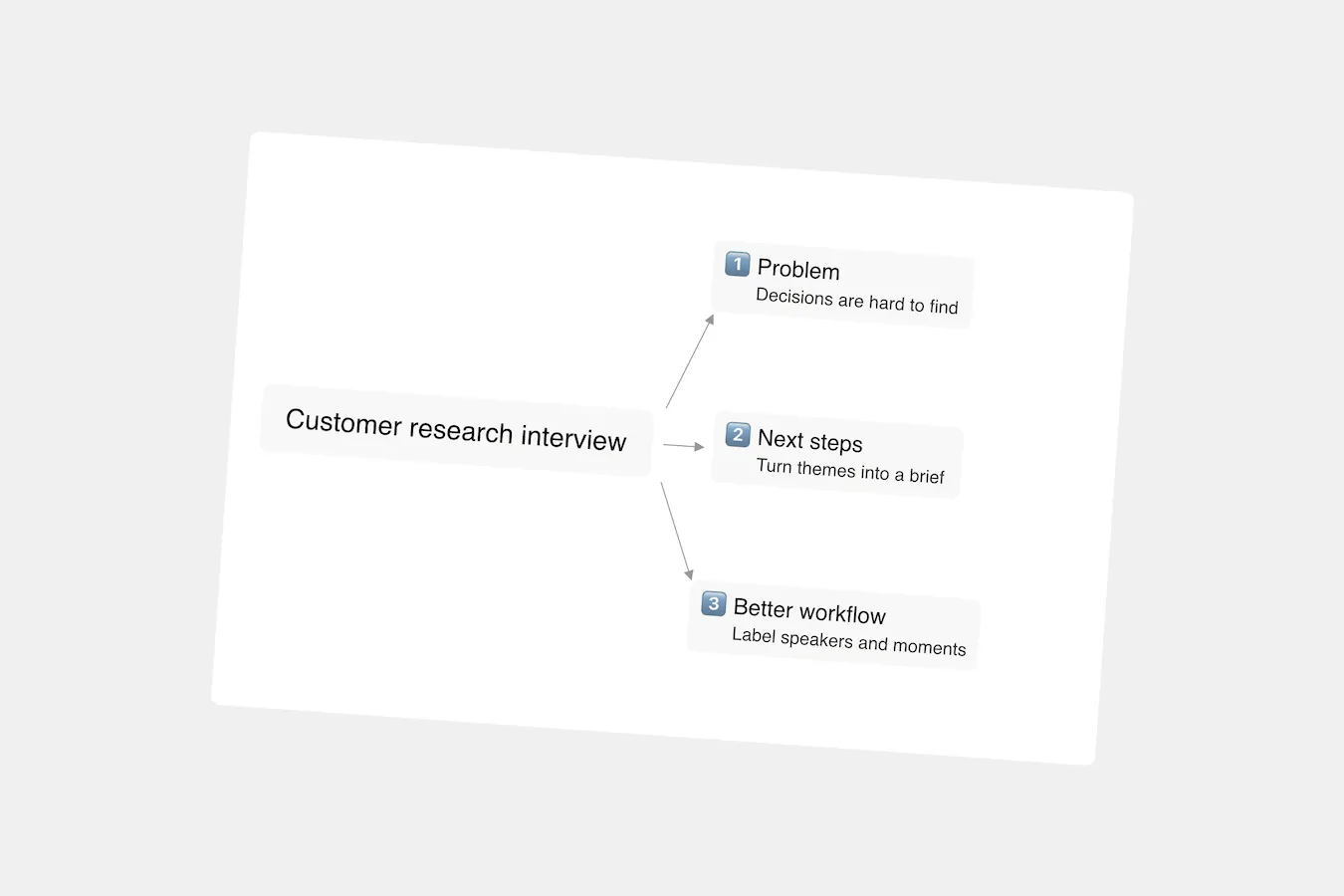
Mind map of the discussion
Themes, decisions, and next steps arranged so you can see how they connect.
How to transcribe video to text online
Use the online video transcriber in three simple steps to turn the video you already have into an editable transcript that is easy to search, share, and use.
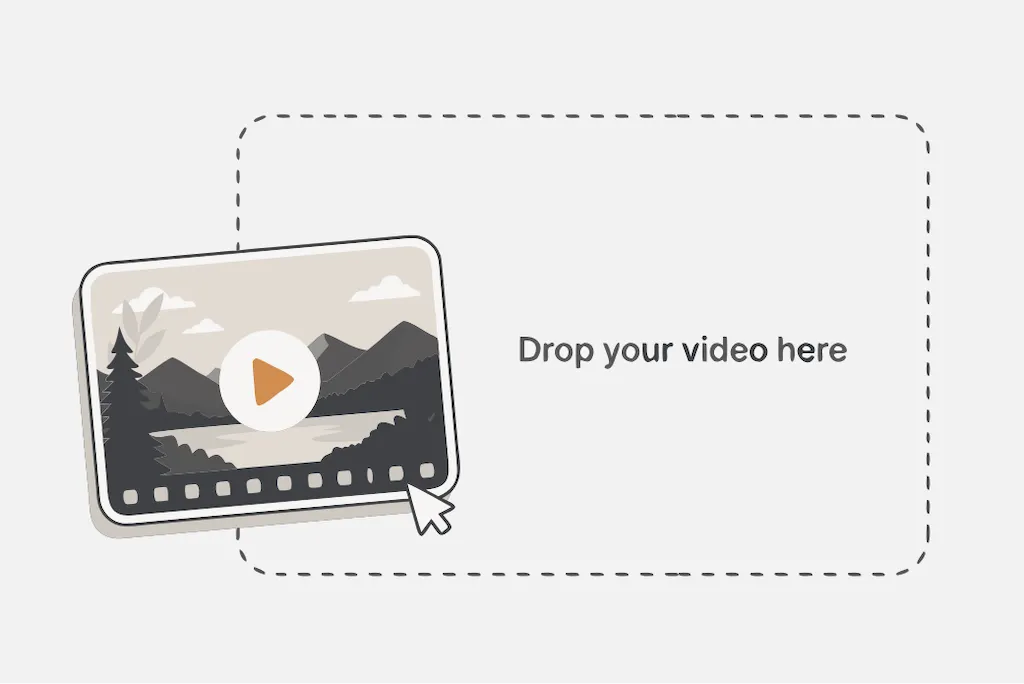
1. Upload a video or paste a link
Choose an MP4 or another common file, or add a Google Drive, or public video link.
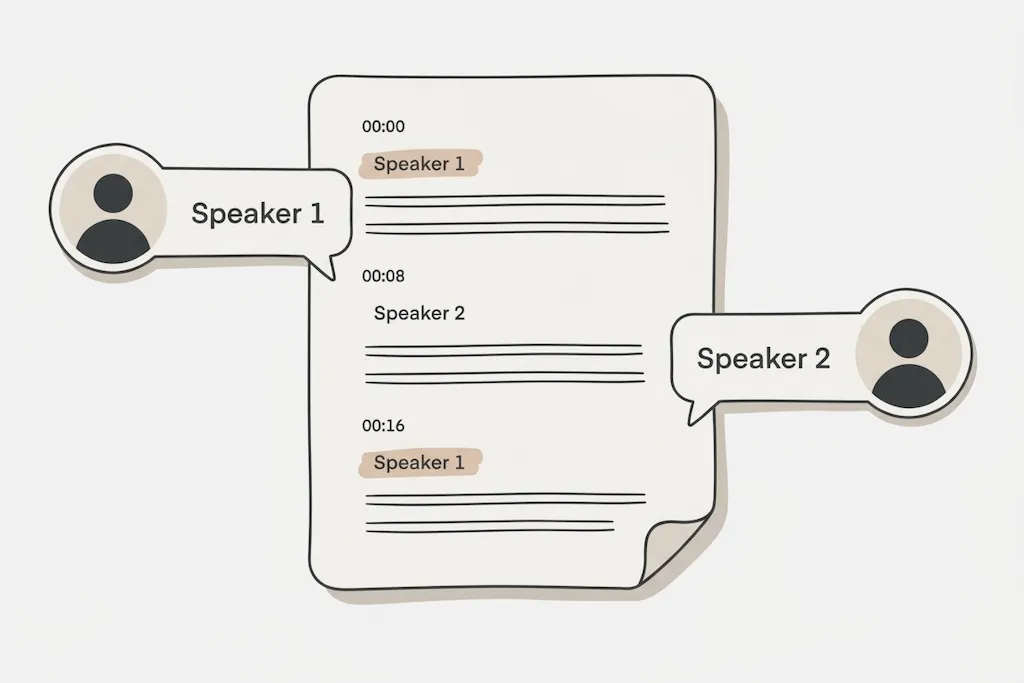
2. Let AI transcribe your video
Choose the language in your recording and let AI create an accurate transcript that identifies each speaker.
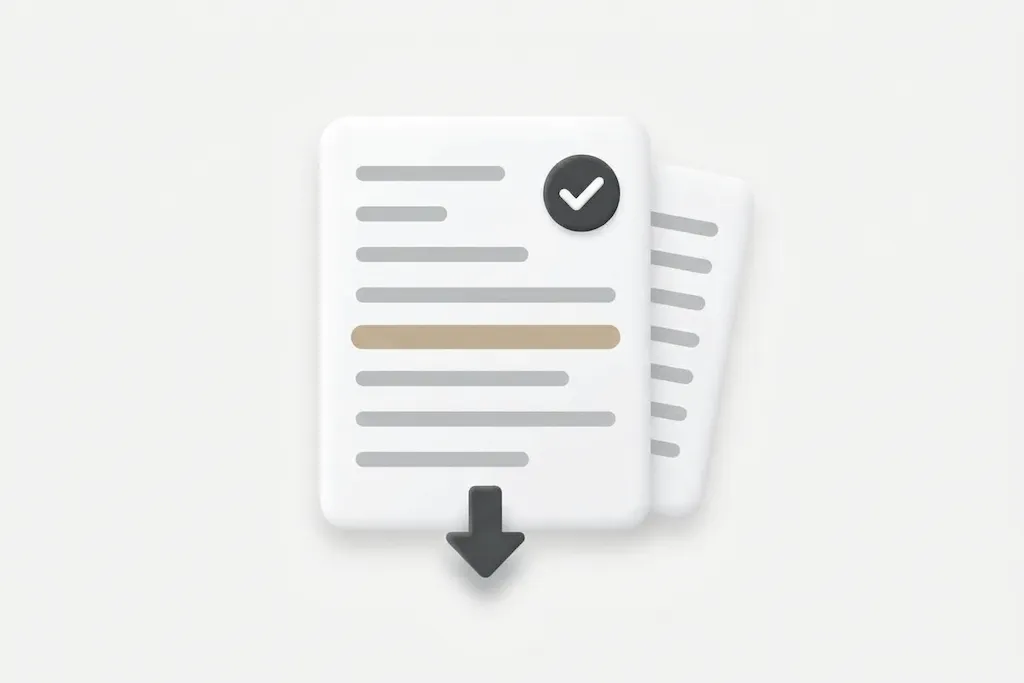
3. Review, copy, and download transcript
Review and edit the transcript, then copy or download it. You can also create a summary, ask AI questions, or make captions.
Your video transcriber should help you use the words
A basic converter gives you a wall of text. This video transcriber keeps the recording, searchable transcript, and next step connected.
Find the moment worth keeping
A useful video transcriber makes every word searchable, so the quote, decision, or explanation you need is one search away—not buried in a 60-minute recording.
Know who said what
Speaker labels and timestamps keep an interview, meeting, or panel discussion readable. You see the words and the exact moment they were spoken.
Turn a transcript into a next step
Ask questions, create a summary, or map the discussion while the full context stays close. Your recording becomes a brief your team can act on.
Make the recording useful everywhere
Create a video transcript for your notes, export a document for review, or make timed SRT captions when your video is ready to reach more people.
Video transcription for creators, students, and teams
The same AI video transcriber can turn a video transcript into show notes, a lecture into study notes, or an interview into quotes you can find, shape, and share.
YouTube creators & marketers
Transcribe YouTube video to text, then pull out captions, show notes, quotes, and the first draft of a post before the next upload is due.
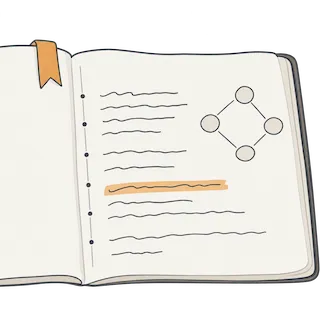
Lectures, courses & study sessions
Turn a lecture into searchable study notes. Find the explanation you missed, create a summary, and revisit the source when an idea needs context.
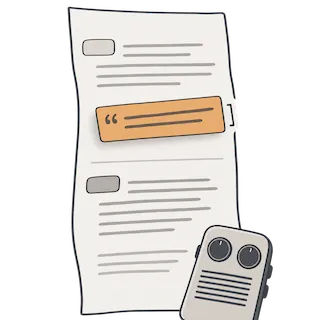
Interviews, research & journalism
Use speaker labels and timestamps to turn a raw interview into a reliable working transcript, then find the exact quote without endless scrubbing.
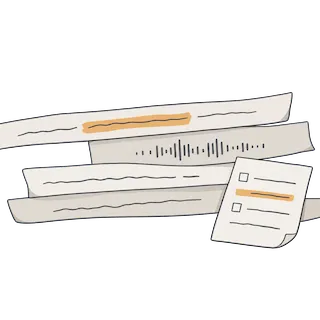
Meetings, podcasts & webinars
Convert a meeting, webinar, or episode into a shared record people can search, scan, and use after the call is over.
Transcribe MP4, Google Drive videos, and more to text.
Use the online video transcriber with the source you already have. Upload an MP4, or paste the video link your team already uses—then turn it into editable text.
MP4 to text
Upload an MP4 or common video file to create an editable transcript.
Google Drive video to text
Use a shared Drive link when your video already lives with your team.
YouTube video to text
Paste a YouTube link to create a searchable video transcript.
Video link to text
Paste a public media URL and turn your video into text online.
A multilingual video transcriber for global content
Choose the spoken language before the AI video transcriber creates a transcript your audience can read, search, translate, and turn into captions.
English
Spanish
French
German
Italian
Portuguese
Japanese
Chinese (Simplified)
Korean
Dutch
Turkish
🌎
All languages →Why users choose our AI video transcriber
“I can find the exact quote from an interview in seconds instead of scrubbing through the recording again. The timestamps make handoff much easier.”
- Elena R. Content marketer
“I upload a webinar, review the transcript, and turn it into captions and show notes from the same place. It removes a tedious step from every launch.”
- Marcus T. Video producer
“Speaker labels make long customer calls much easier to scan. I can pull out decisions and next steps without replaying the whole meeting.”
- Priya S. Product manager
Frequently asked questions about our AI video transcriber
A video transcriber converts spoken content from a video into editable text. An AI video transcriber can also add timestamps, identify speakers, make the transcript searchable, and turn it into summaries, notes, or captions.
Yes. The free video transcriber includes up to 120 transcription minutes per month, with a limit of 3 transcripts per day and 25 minutes per upload. AI translation and transcript export are available on paid plans.
Only you can access the videos and transcripts in your account, unless you choose to share or export them. MoScribe processes your content only to provide the transcription and related features you request; it is not used to train AI models. We also maintain administrative, technical, and organizational safeguards to protect your information.
The online video transcriber accepts common video formats including MP4, MOV, MKV, AVI, WebM, and WMV, up to 2 GB. You can also paste a public HTTPS media link, or Google Drive share link.
Yes. Speaker recognition and timestamps help you follow a conversation and return to a specific moment in the video.
Video transcriber accuracy depends on the language, accent, background noise, recording quality, overlapping speech, and how clearly people speak. Review and edit the transcript when the wording needs to be exact.
Yes. Paid plans can export transcripts as TXT, DOCX, or PDF, and can create SRT caption files. The Free plan lets you create and review transcripts, but does not include export.
Choose the language spoken in your video before starting, then use AI translation on a paid plan when you need the transcript in another language.
Use an AI video transcriber that gives you more than text.
Upload a video or paste a link. The video transcriber turns the conversation into an editable, searchable record you can use while the ideas are still fresh.